Step 01
Approved badge
A school-issued badge transmits inside the approved school-hours window.
School operations, made visible
Review movement exceptions, pass activity, receiver health, and incident follow-up from one calm school-hours command center.
School-hours use. Approved staff only. Human-reviewed follow-up.
The operational gap
Valkor turns disconnected building signals into a calm, reviewable workflow.
Passes, radios, attendance, and staff follow-up live in different places.
Exceptions become noise when no one can see who is responding.
Schools need reliability evidence before deciding to expand a pilot.
Product proof
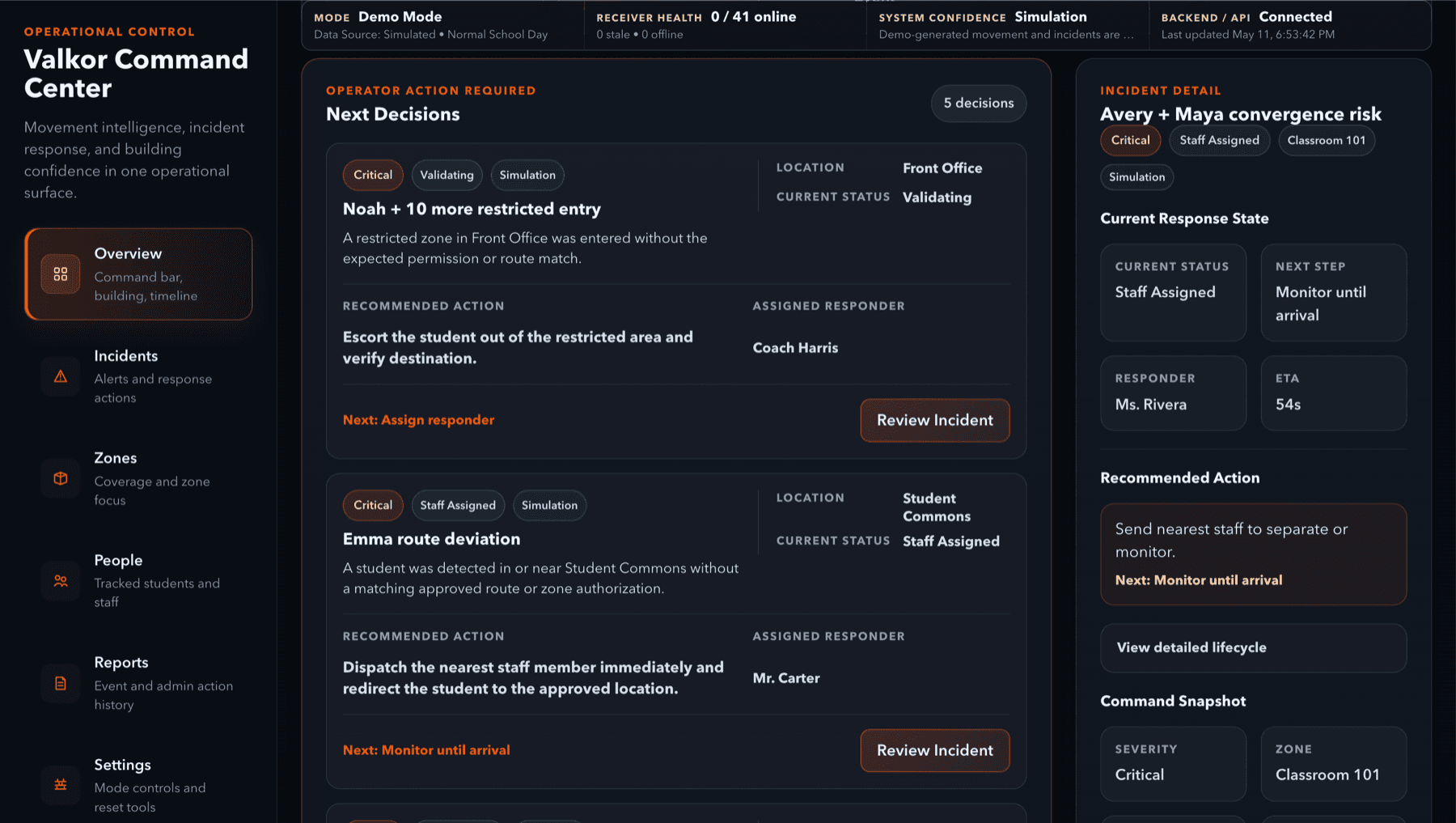
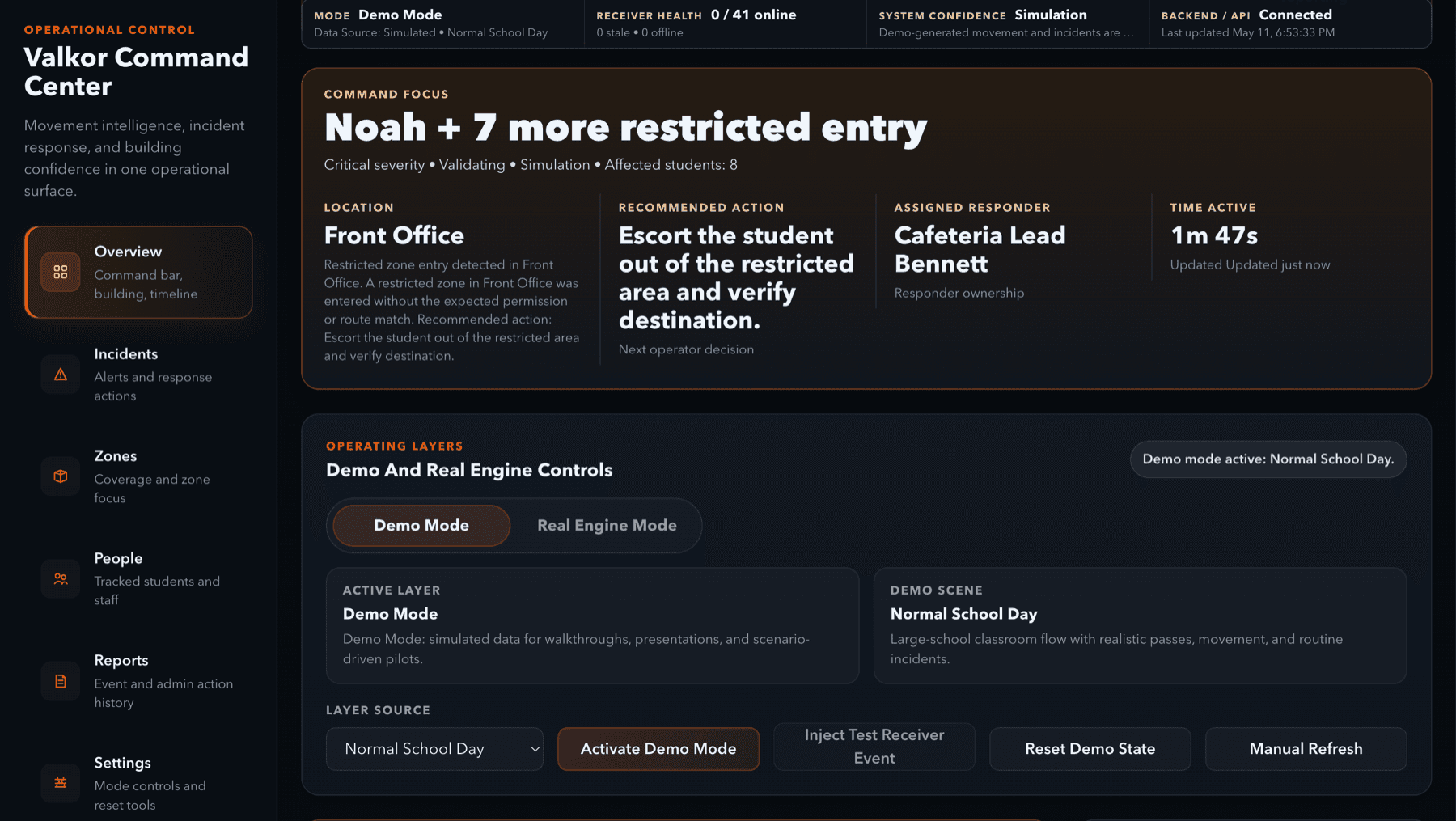
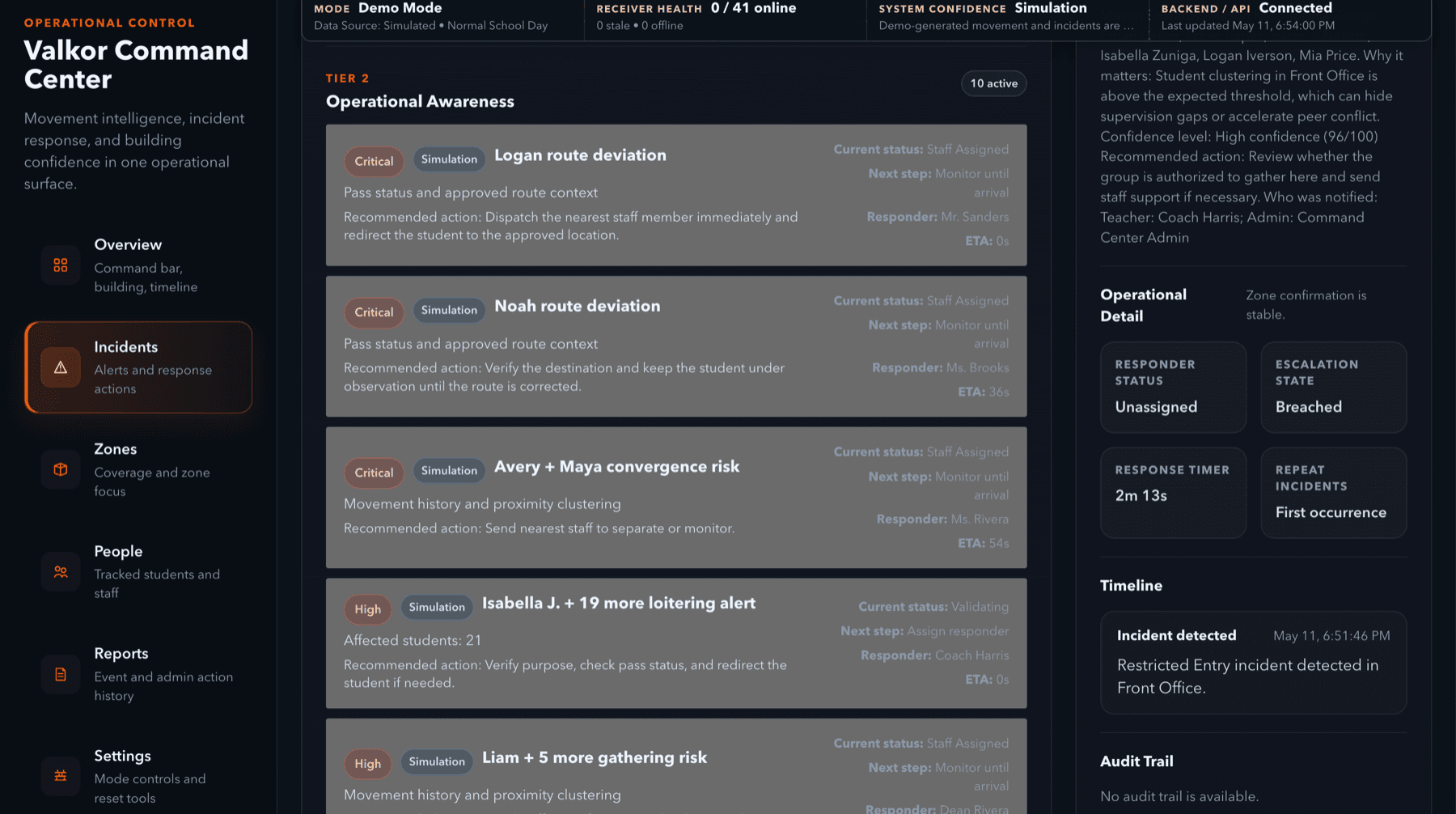
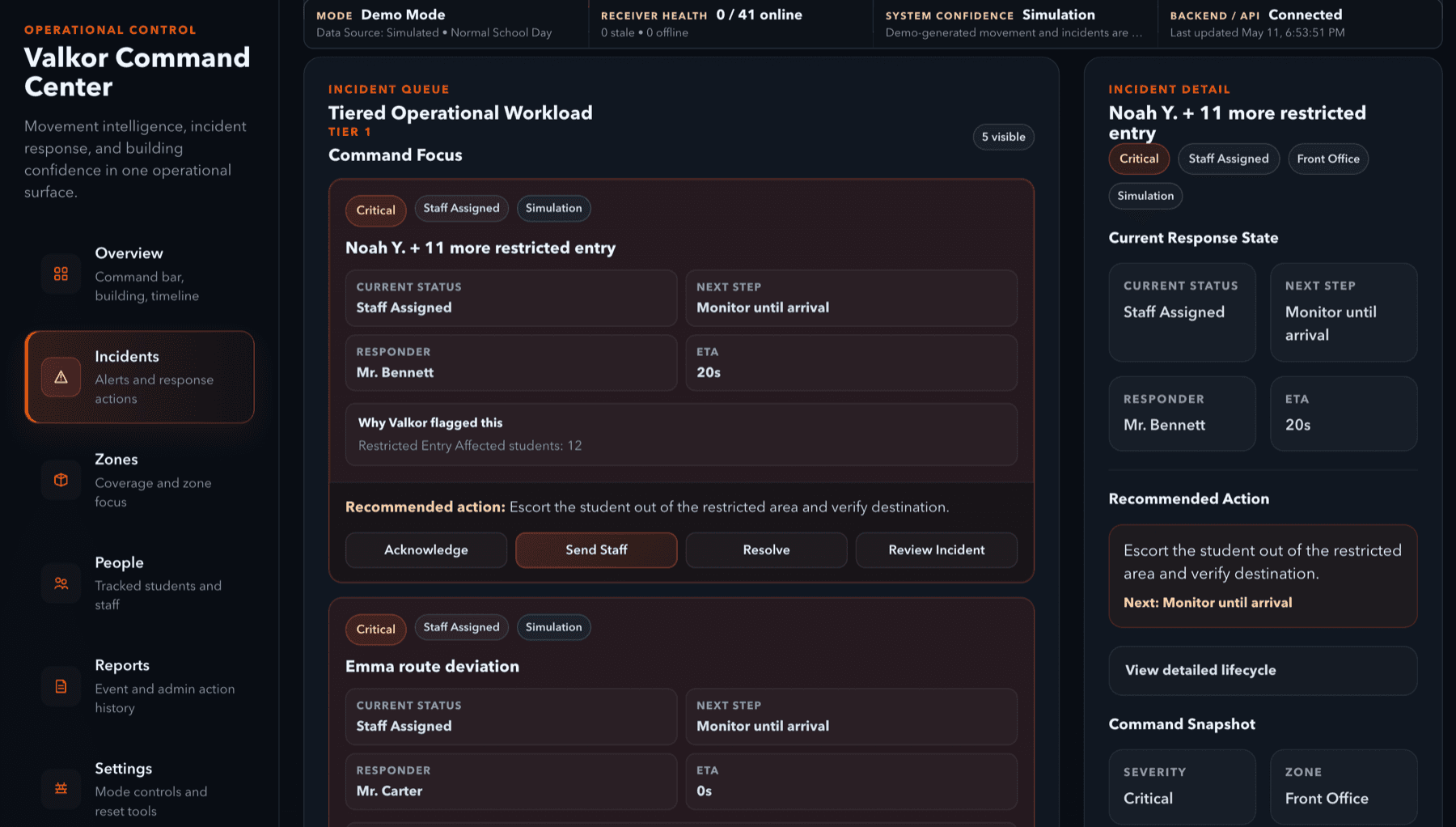
Priority, system confidence, pass context, and staff ownership stay together—so leaders can scan first and investigate second.
Priority before volume
The next issue to review stays obvious.
Context before action
Confidence and freshness travel with each event.
Ownership to outcome
Assignment and follow-up remain visible.
Signal to decision
Every step adds context without pretending a signal is a decision.
Step 01
A school-issued badge transmits inside the approved school-hours window.
Step 02
School-controlled infrastructure identifies a defined building area.
Step 03
The adapter translates the event into one consistent operational record.
Step 04
Freshness, receiver health, and signal quality are evaluated before display.
Step 05
Expected route and timing are compared with the active pass state.
Step 06
A reviewable exception is created with the relevant context attached.
Step 07
Authorized staff acknowledge, assign, respond, and document the outcome.
Step 08
Reliability, response, and usefulness roll into the pilot evidence report.
Command center
Orange marks active work. Red is reserved for true critical events. Everything else stays quiet.
Active incidents
2 open
Receiver health
41 online
System confidence
High · 94%
Pass state
18 active
Stale signals
1 review
Staff response
Assigned
Live product states
Not generic capabilities. The actual states administrators review and act on.
Pass active
Receiver health
Suggested action Check receiver
Elevated · route deviation
Pilot proof
Suggested action Review placement
The three-second AP view
Five signals. One clear order of attention.
Top priority
Overdue pass
Cafeteria Hall · 4m
Active incidents
2
1 assigned · 1 validating
Attendance / pass
18 active
1 needs review
Receiver health
41 / 42
East Hall B-04 stale
Next transition
11:24 AM
Lunch B → Period 5
Before and after
Before Valkor
Context gets reconstructed after the moment has already moved on.
With Valkor
One state. Clear ownership. A record of what happened next.
Pilot proof
Valkor measures whether the system was reliable, useful, and worthy of expansion—not whether the demo looked impressive.
Pilot proof report
Duration
4 weeks
Approved tags
30
Defined zones
5
Reviewers
4
Receiver uptime
0.0%
Stale signal time
0.0%
False alerts
0
Route deviations reviewed
0
Average response time
1m 42s
Recommendation
Retest east hallway receiver placement
Trust and privacy
The trust model supports the product. It does not have to overshadow it.
Product walkthrough
A short walkthrough of zone-level awareness, incident workflow, receiver health, confidence and freshness, and pilot proof reporting.
Limited pilot review
Start with two to four defined zones, approved badges, authorized staff, and clear success criteria.